
Update Your Account Information
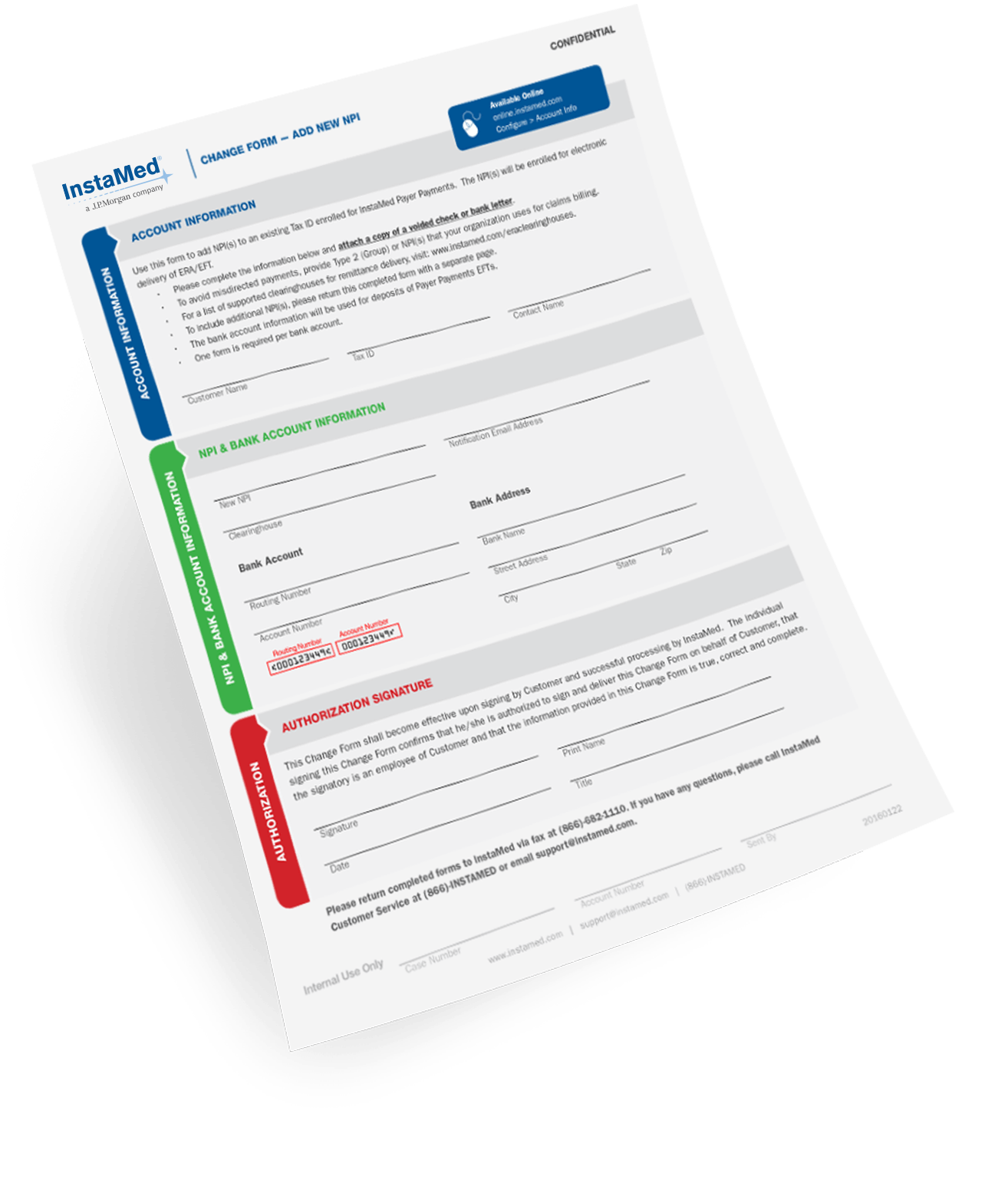
Update Your Account via Paper Change Form:
Download and complete the appropriate form(s), and send to our Support team via fax at (866) 682-1110 or email at [email protected].
Add NPI:
Download Form
Change Address:
Download Form
Change Admin User:
Download Form
Change Authorized Signer:
Download Form
- Addendum – Additional Entities (for New Authorized Signers):
Download Form
Change Bank Acccount:
Download Form
Change Business Name/Structure:
Download Form
Change Remittance and Claim Connectivity:
Download Form
Delete NPI:
Download Form
User Verification:
Download Form
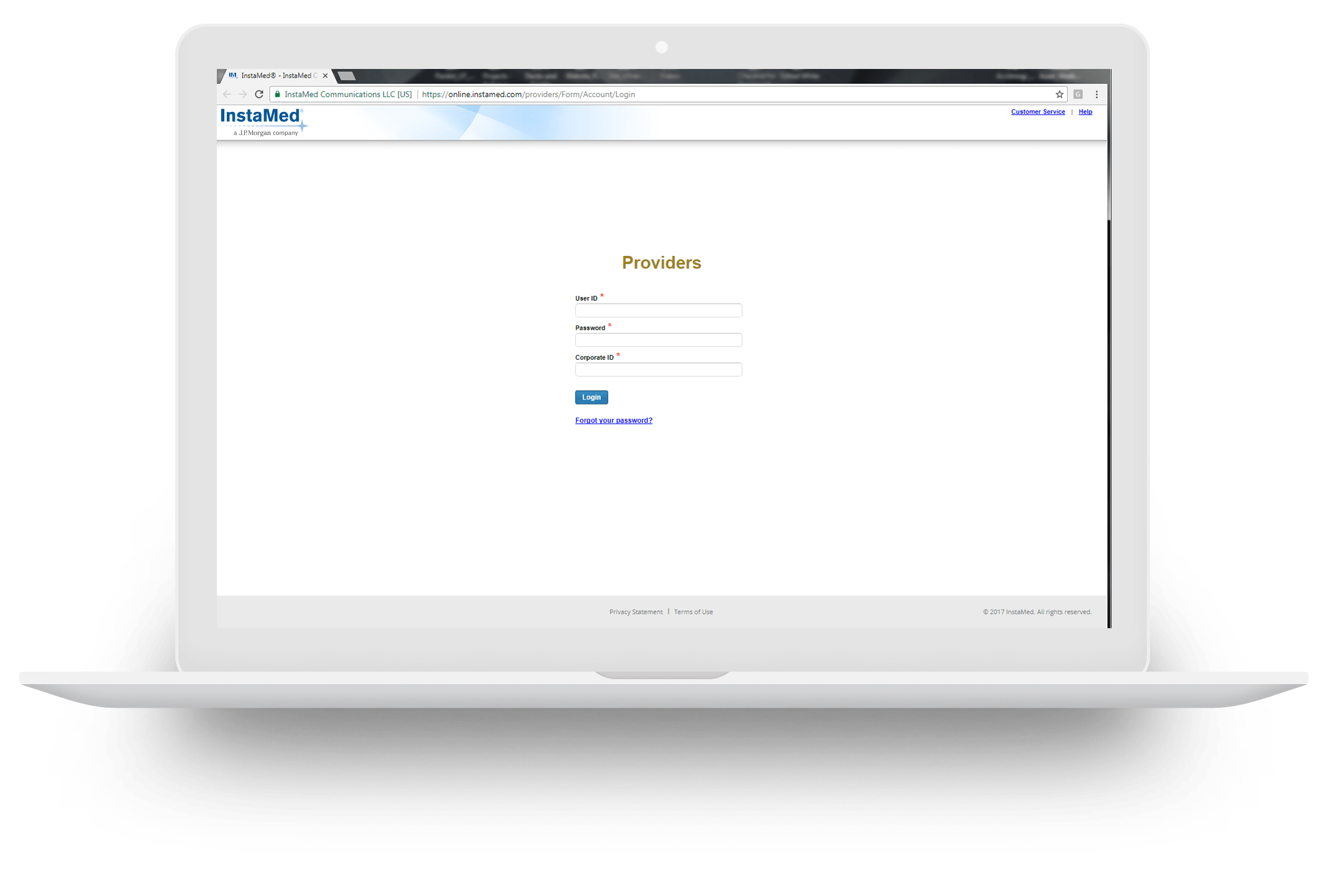
Update Your Account via InstaMed Online:
You can update the items listed below via InstaMed Online. Log into your account via InstaMed Online for Providers. To make updates, click Configure and Account Info.
Add New NPI
Change Address
Change Bank Account
Change Remittance and Claim Connectivity
Questions?
If you have any questions, please contact us directly: (866) 467-8263 [email protected]